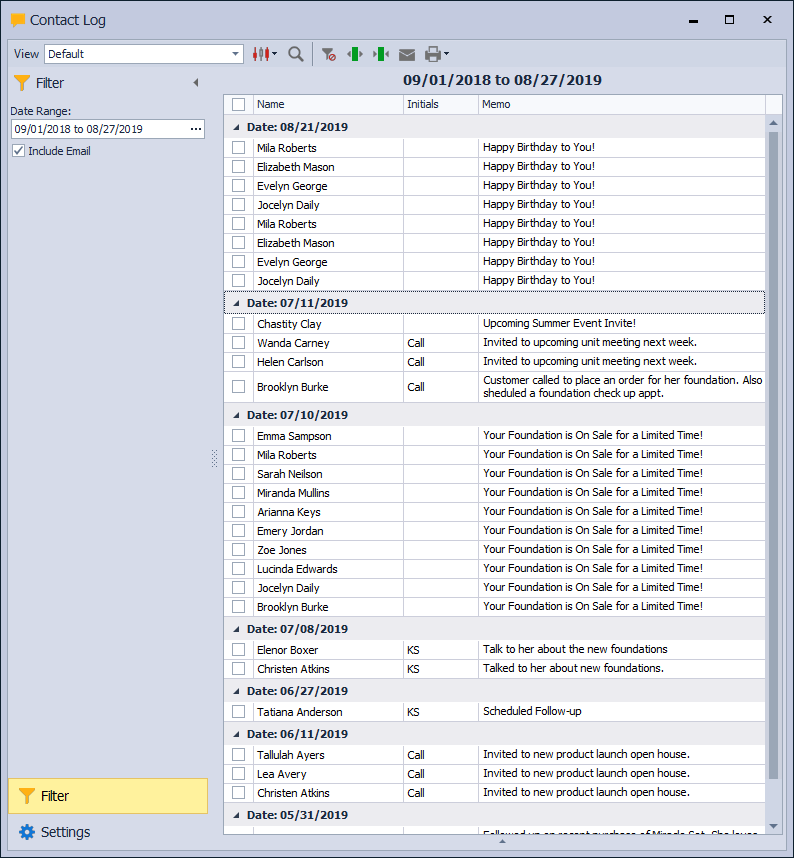
The Contact Log displays all entries created for contacts and can be filtered by date range to review activity within a specific period. From the Contact Log, entries may be printed as a report or used to send email messages by selecting the desired contacts before choosing the email option on the toolbar.
From the Contacts menu, select Contact Log.
From the Filter sidebar, click ... to enter a Date Range. To print as a report, from the toolbar, click the print button  . To send an email, select the checkbox next to the desired names, then click
  on the toolbar.