Boulevard can open whatever email app you’ve set as your default in Windows. Common choices include Mail, Microsoft Outlook (including the version that comes with Office 365), and Mozilla Thunderbird.
Before proceeding, ensure your email is set up in the application, then set it as the default app for Email in Windows.
From the main toolbar, select  Options, then
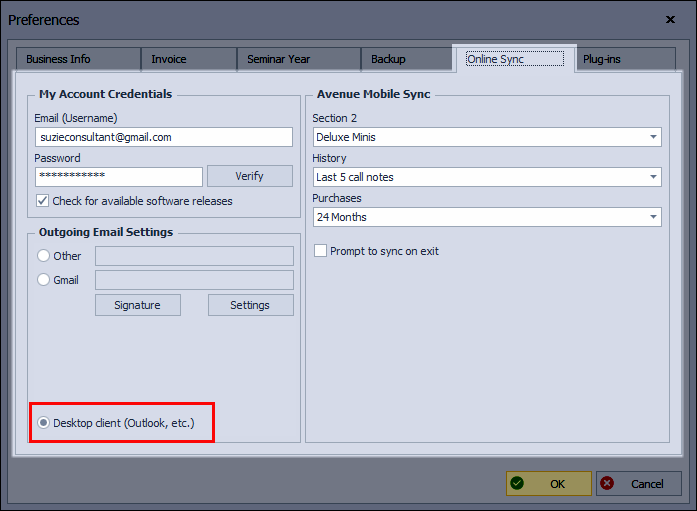
  Account & Email (or from the Edit menu, click Preferences, then Online Sync tab).

Under Outgoing Email Settings, select Desktop Application, then click OK to save and close Preferences.
Additional Information:
The instructions above refer only to using a desktop email client. To launch an email message using Boulevard's integrated email message, see Sending Email through Boulevard.