Loaned items linked to a contact can be converted to a new invoice automatically, where additional products and payment details may be added before completing the sale.
From the Product menu, select Loan/Borrow & Exchanges.
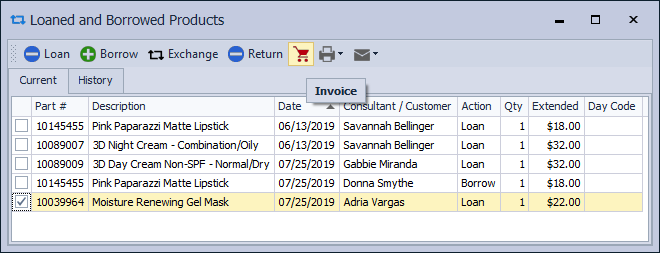
Select the checkbox next to each item for the same contact, then click the invoice button  . Finish the invoice as usual (adding additional items, payment method, etc.).
Additional Information: