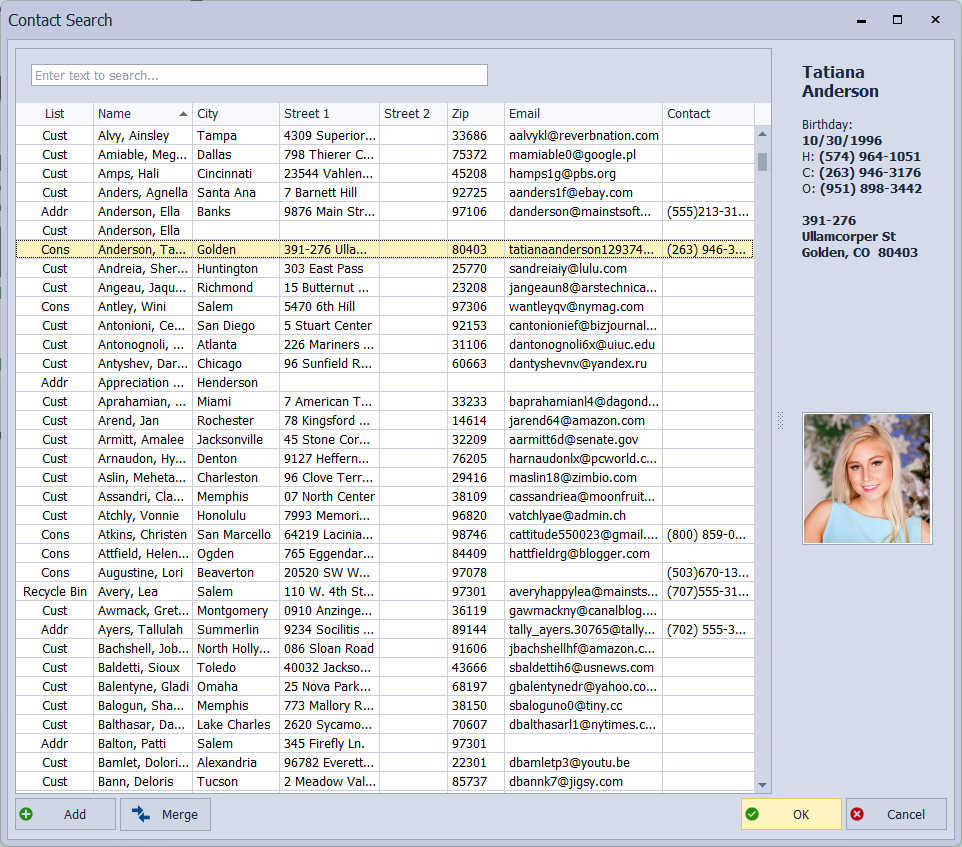
If you are creating a profile and receive a message stating that the profile already exists, or you cannot find a previously created profile, the following steps may help you find the contact.
Perform a search to see if the contact is located elsewhere, such as the Recycle Bin or another contact list. If the contact is located in the Recycle Bin, see Restore or Delete from the Recycle Bin.
If the contact is found when performing the search but is not in the Recycle Bin, check the following:
- Is their profile marked inactive? View
- If the missing or duplicate profile is for a consultant, do you have the correct unit and/or consultant number entered? View
- From the toolbar of the list you are on, click
 Clear Filters to clear any filters set. View
Tip: If you have a duplicate profile, see Merge a Duplicate Contact Profile to merge them.