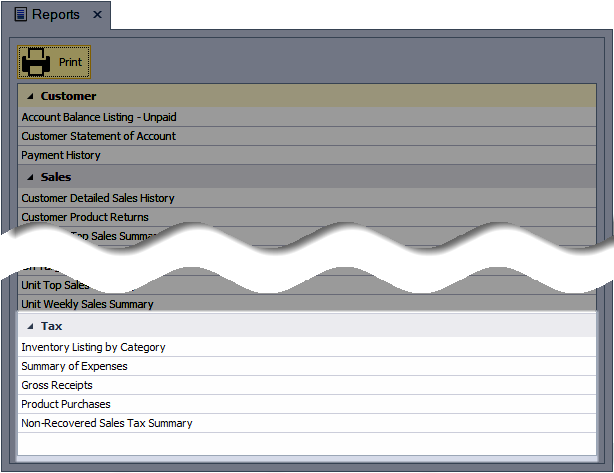
Begin by printing the Year-End Guide & Checklist PDF to verify that all steps are finished. Next, generate the recommended reports for tax purposes: Inventory Listing by Category, Gross Receipts, Product Purchases, Summary of Expenses, and Non-Recovered Sales Tax Summary. These reports collectively provide the essential details needed to prepare taxes, monitor discounts and gifts, and reconcile inventory and sales over any chosen period.
Reports:
Inventory Listing by Category: This report shows the wholesale value or cost of goods for all inventory items, grouped by category. Since it captures only the current cost of goods on hand, it should be run near year‑end for accuracy.
Gross Receipts: Use this invoice‑based report to track gross personal sales for tax purposes. It groups invoices by sale type and details discounts, retail gifts given, and sales tax.
Product Purchases: Use this report to review the wholesale value of products purchased over a specified period. Each order is itemized with totals for retail products, supplies, sales tax, and additional discounts.
Summary of Expenses: This report lists expenses, income, and other tracked units (such as mileage) for a selected period, grouped by category with totals for each.
Non-Recovered Sales Tax Summary: This report provides an itemized view of transactions where the sales tax collected differs from the tax paid on product purchases.
Access these reports from the Business Tools menu by selecting Reports.
Additional Information:
Tip: Enable the Print on Tax reports option from the Business Info tab in Preferences if you would like to include your name and other information in the top left-hand corner of each of the reports located in the Tax section.