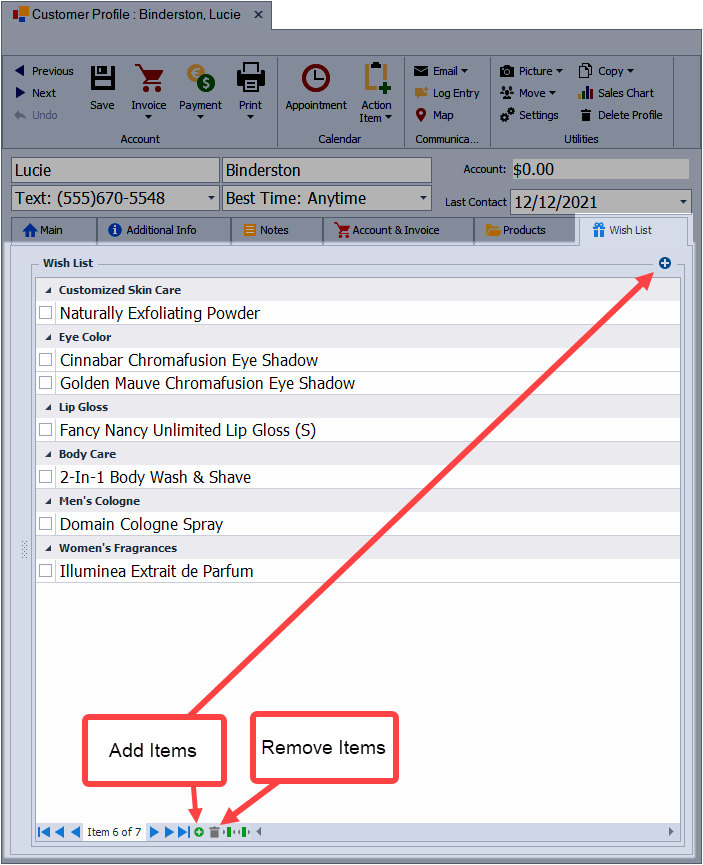
Items can be added to a contact’s Wish List to keep track of products they are interested in or have not yet purchased. From the Wish List tab on the profile, products are selected through the Product Lookup form and added to the list, where they can later be viewed, managed, or invoiced.
- From the customer's profile, select the Wish List tab.
- From the Wish List section, click
 and choose Add Products.
 - Using the Product Lookup form double-click on the item(s) being added.
- When finished, click Close.
To delete an item, select the checkbox next to each item. From the Wish List navigation bar at the bottom of the profile, click  then confirm the deletion.