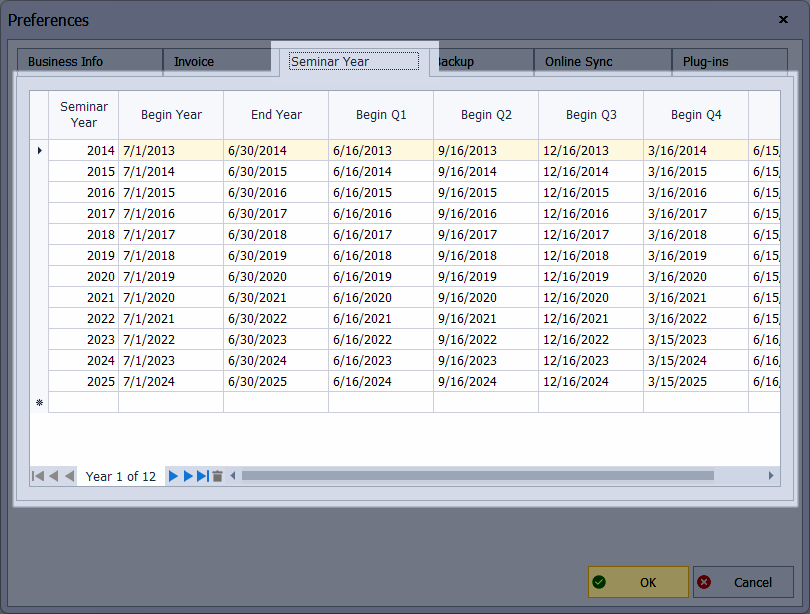
The information entered under the Seminar Year tab in Preferences lists the seminar year (or Fiscal Year for other industries) with each quarter's start and end dates and is used when accessing reports and any form that uses quick date options.
To add or modify seminar or fiscal year details and to specify the start and end dates of each quarter, go to the Edit menu, choose Preferences, then select the Seminar Year tab.
Additional Information:
When you install Boulevard for the first time, it includes the current seminar year dates, which are updated each year if you are subscribed to the Product Update Service.