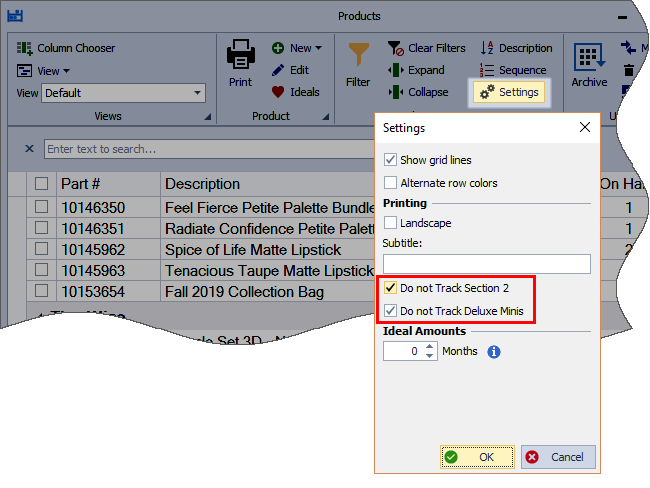
Supplies and items set as a Customer Premium (Deluxe Minis) may be excluded from inventory tracking by enabling the option to not track Section 2 items, and optionally Deluxe Minis, in the Product List settings.
From the main toolbar, select  Inventory (or from the Product menu, select Product List).
From the product list toolbar, click  Settings. Select Do not Track Section 2 and if desired, Do not Track Deluxe Minis (customer premiums), then OK to save and close.
Tip: To clear quantities currently in the On Hand field for Section 2 (supplies), see Clear On Hand Inventory Amounts.