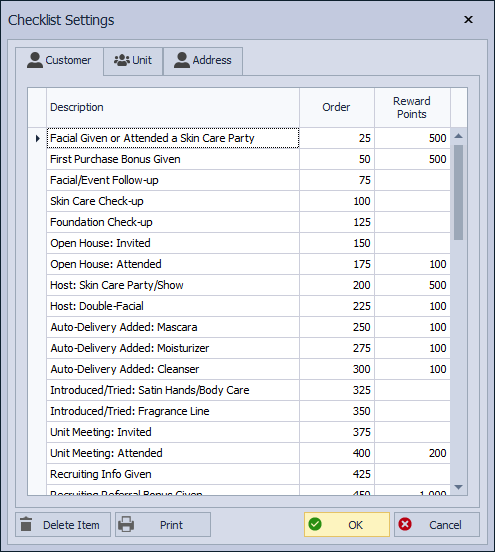
Reward Points may be assigned to applicable checklist items when a reward program is enabled. In Checklist Settings, the Reward Points column is used to enter a point value for any task that should provide rewards. After the list is saved, completing those checklist items adds points to their reward balance, which may later be redeemed on an invoice or adjusted in the profile.
From the main toolbar, select  Options, then under Settings, select
  Checklist (or from the Edit menu, select Settings, then Checklist).
If applicable, enter the number of points that can be earned with each checklist item in the Reward Points column. Click OK to accept and close the form.