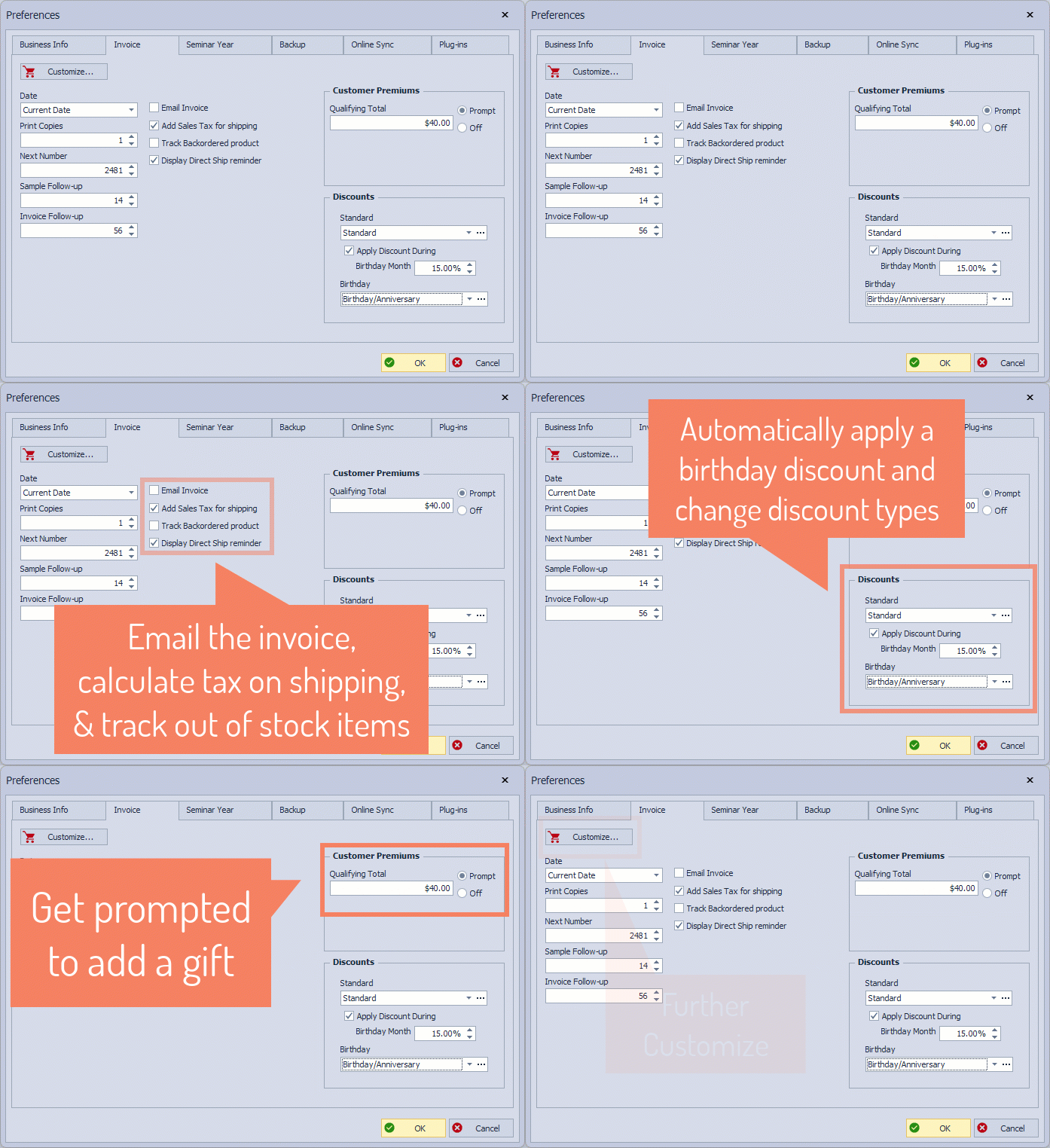
Manage invoice settings from the Invoice tab. Choose whether to use the last date entered or the current date for new invoices, select the number of copies to print, and set the next invoice number. Schedule follow-up reminders for reorders or samples, enable customer premium prompts, and tailor invoices with images, notes, and more.
From the Edit menu, select Preferences, then click on the Invoice tab.
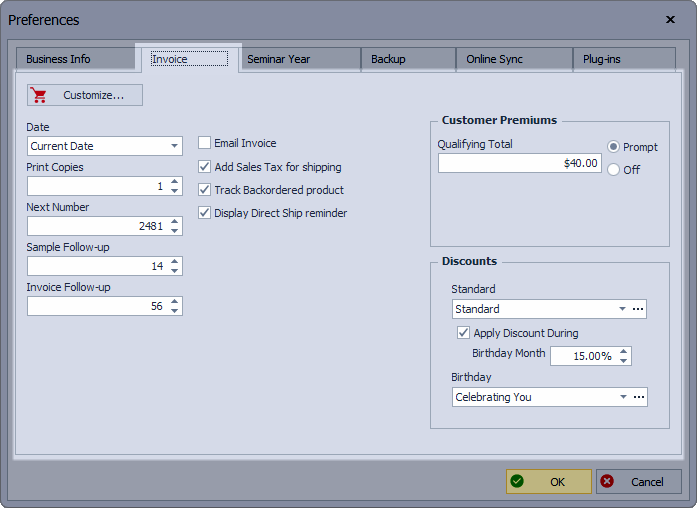
Select Prompt in the Customer Premiums group to enable Boulevard to prompt when saving a new invoice if its total reaches the qualifying amount you've specified.
Additional customization options can also be specified, including adding images and standard notes to the printed invoice. Click  Customize to personalize your invoices with images, multiple standard notes, and other options.
- Customize: Choose to customize what is printed on an invoice, including the note, font style, color, images, and more.
- Date: When creating a new invoice, choose whether the Current Date (recommended) or Last Date Used is displayed by default.
- Print Copies: Defines the default number of invoice copies to print, which can also be adjusted from the invoice.
- Next Number: Displays the next invoice number
- Sample Follow-up: When adding a sample to an invoice, a task will be created in the calendar for the number of days specified in the future after saving the invoice to follow up with them.
- Invoice Follow-up: A task will be added to the calendar for the number of days specified after invoicing the customer to follow up on reordering.
- Email Invoice: Choose whether invoices are emailed by default.
- Add Sales Tax for shipping: Choose whether tax is calculated on shipping (For Canada, options for tax on shipping are located under the Tax tab).
- Track Backordered product: Track when an item with zero on hand is invoiced to a customer
- Display Direct Ship reminder: When creating a direct ship invoice, show a pop-up reminder that items will not be deducted from your current on-hand quantities and that an inventory order will be generated automatically.
- Birthday Discount: If selected, during a contact's birthday month, they will receive a discount automatically when invoiced.
-
Customer Premiums: Choose to be prompted to add a premium (gift with purchase) when a customer's invoice reaches the specified threshold amount.