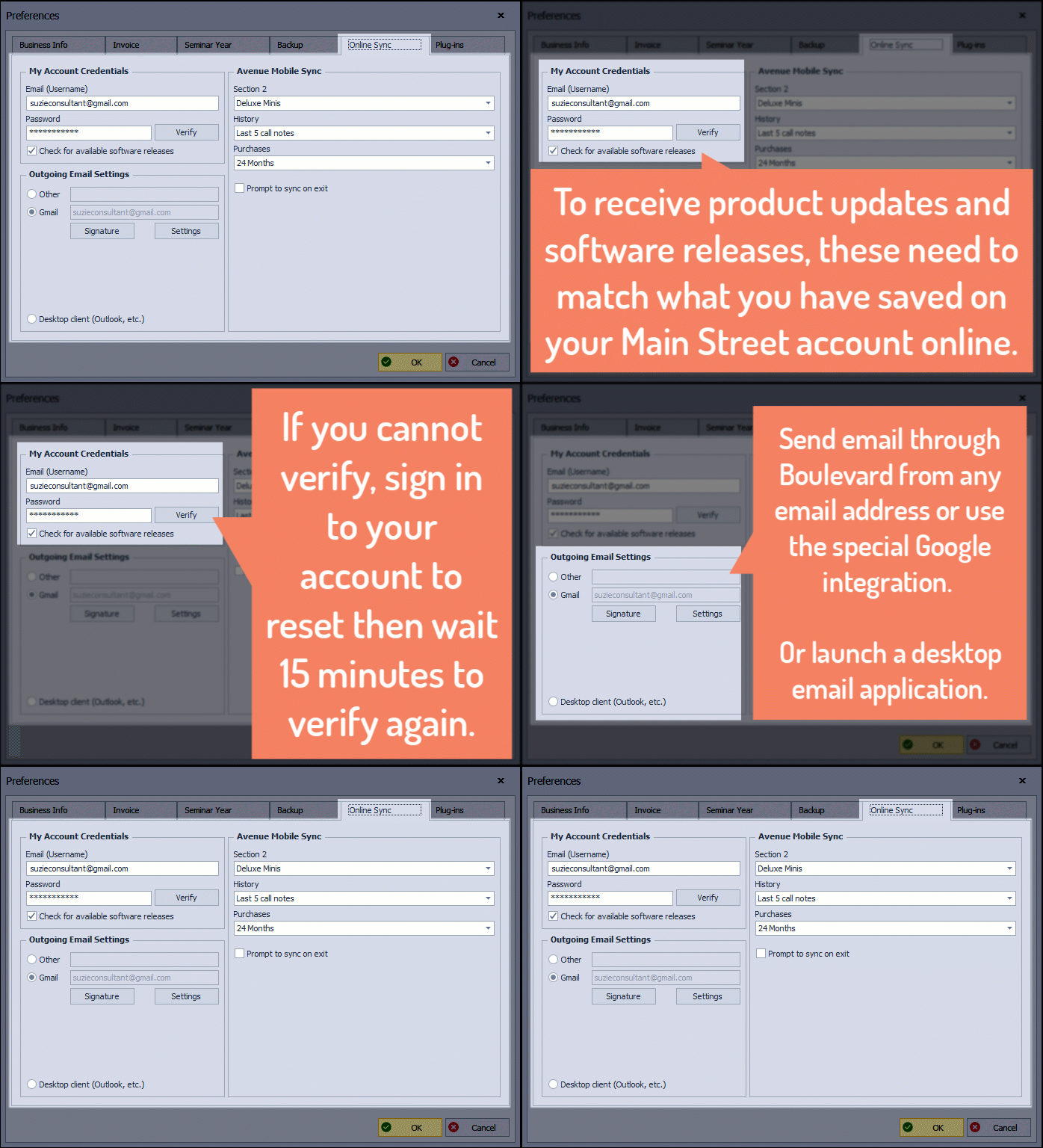
The Online Sync tab is where you'll add your account sign in information to enable product updates, software releases, connect your external email for sending through Boulevard, and sync data with the Avenue app.
Updated Feature for Boulevard 2026, releasing August 8, 2025!
From the  Options button on the main toolbar, select
  Account & Email (or from the Edit menu, select Preferences, then the Online Sync tab).
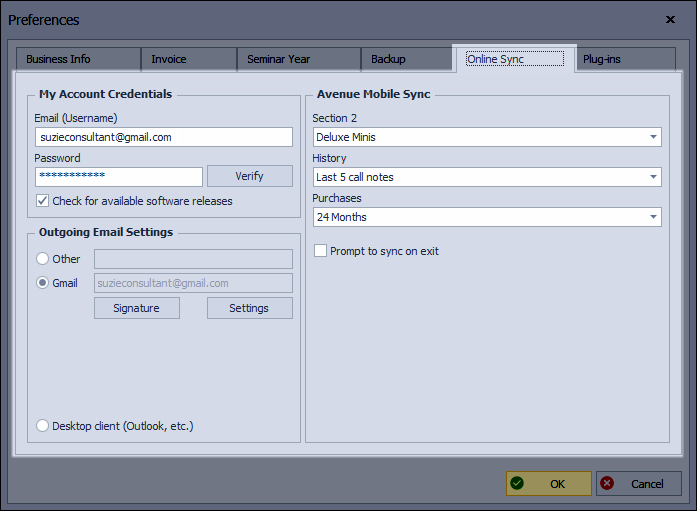
My Account Credentials: The email address and password on your Main Street account online must match those stored in your Boulevard program to ensure you continue to receive current product updates, install available software releases, and sync with the Avenue app. See Updating Your Email Address & Password for more information.
Outgoing Email Settings: Choose whether to link your email address inside Boulevard or launch a Desktop client such as Outlook, Windows Mail, Thunderbird, etc.
Avenue Mobile Sync: This section applies only if you have an active subscription to the Avenue Mobile app. Select which information and how much data is transferred during a sync. Additionally, there's an option to be prompted to sync to the Avenue app when exiting Boulevard.